
CMOS BATTERY
Dell CMOS Battery
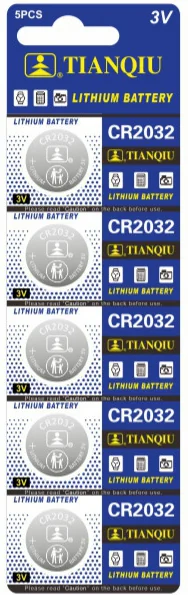
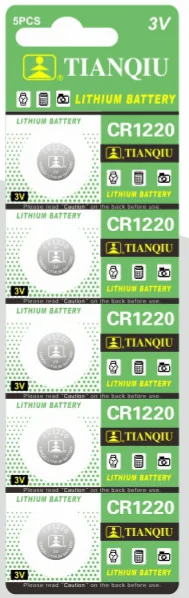
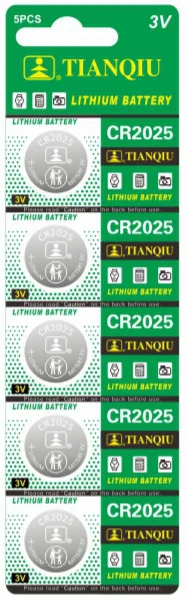
Find and replace the CMOS battery in Dell desktops and laptops. Most Dell desktop motherboards use CR2032; thin laptops may use CR1220 or CR2016.
Common cells for Dell motherboards
How to Replace a CMOS Battery
- Power off the PC and unplug it (and, for laptops, remove the battery).
- Locate the coin cell holder on the motherboard.
- Release the retention clip and push the cell out with a screwdriver tip.
- Insert the new cell, positive side up, and reboot — reset BIOS settings if prompted.
CMOS Battery FAQ
What is a CR2032 battery?
A CR2032 is a 20 mm × 3.2 mm 3V lithium coin cell with about 220 mAh capacity — the most common battery for car key fobs, PC motherboards, glucometers and remotes.
How long does a CR2032 last?
2–5 years in typical use, and 5+ years of shelf life when stored in a cool, dry place.
Ready to Put Your Brand on a Great Battery?
Send us your logo and target market — we will reply with packaging options, MOQ and pricing within 24 hours.